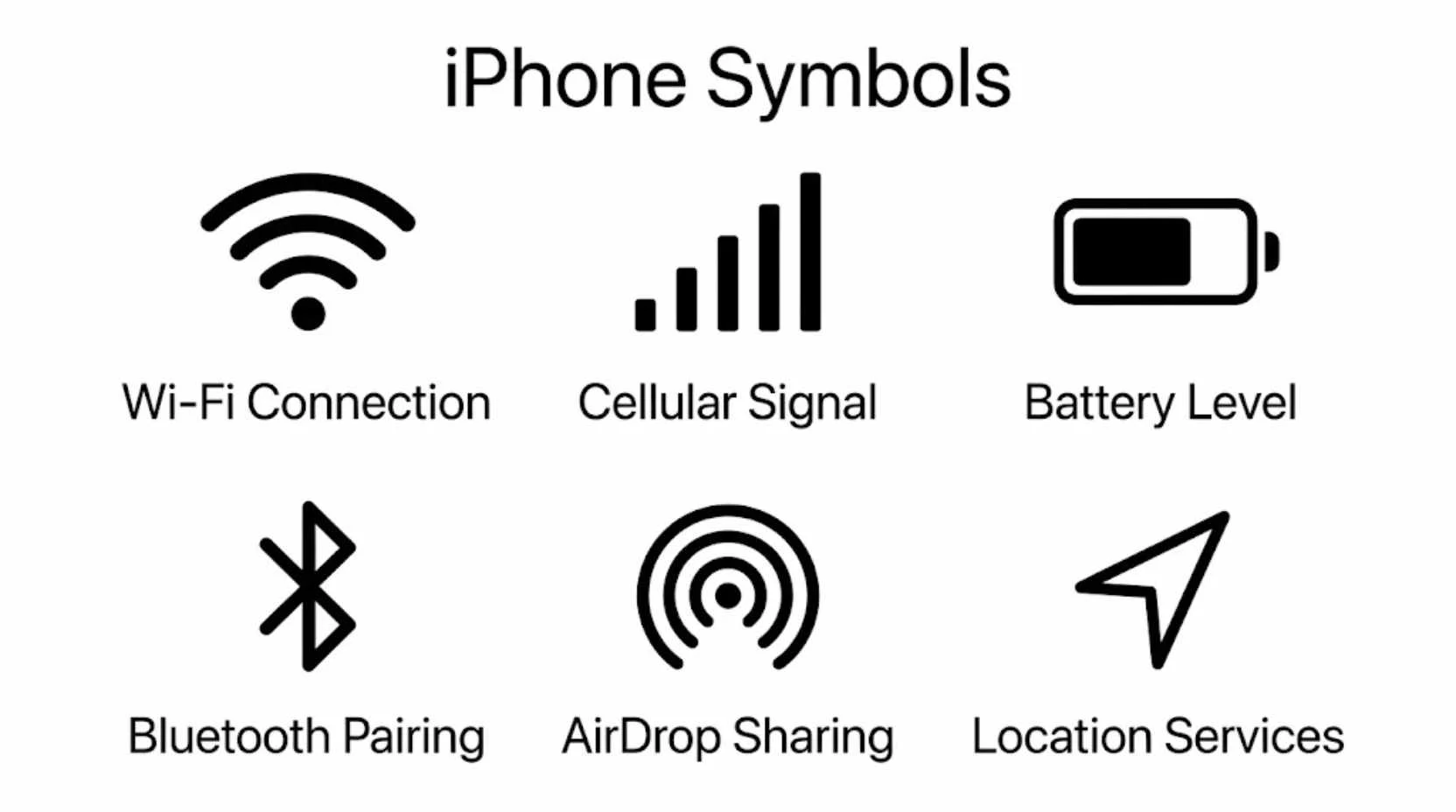
Have you ever looked at your iPhone screen and wondered what all those tiny icons actually mean?
“iPhone symbols” appear everywhere, from the status bar and Control Center to apps, settings, and notifications. These small signs guide millions of people every day, yet many users never learn their full meaning.
Understanding iPhone symbols can make your device easier to use, help you solve problems faster, and reveal features you may not even know exist.
This guide explores the meanings, history, psychology, and practical use of the most important iPhone symbols in a simple and engaging way.
Quick Answer
iPhone symbols are visual icons that communicate information, settings, functions, and system status without using words. They help users quickly understand battery level, network strength, WiFi connection, privacy alerts, accessibility features, and many other functions. Apple designs these symbols to be universal, easy to recognize, and consistent across devices.
What Makes an iPhone Symbol Important?
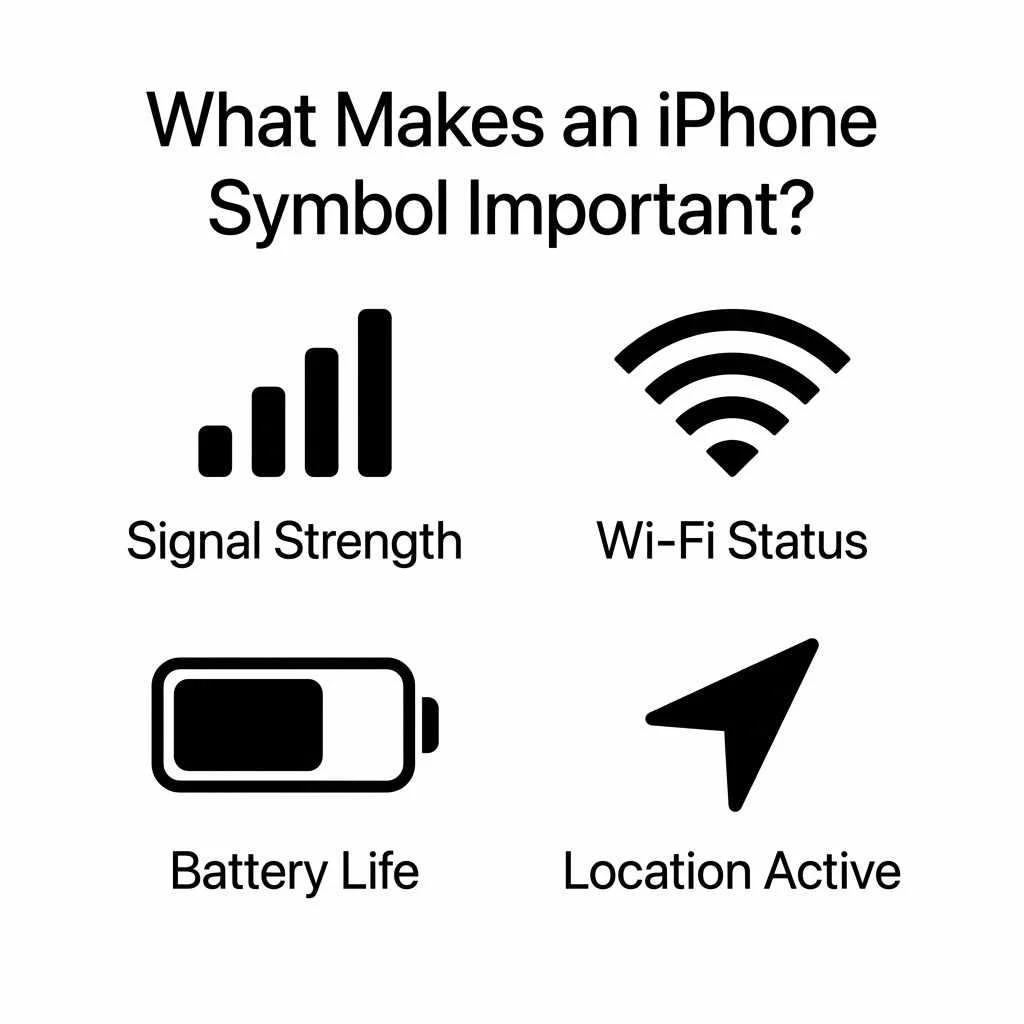
A symbol is much more than a small picture. It is a visual language that allows people to understand information instantly.
For iPhone users, symbols are important because they:
- Save time
- Reduce confusion
- Work across different languages
- Improve user experience
- Help users navigate features quickly
Apple carefully designs every symbol to communicate a specific message. Instead of reading text, users can recognize an icon in seconds.
The Psychology Behind Symbols
Human brains process images faster than words. This is why traffic signs, emergency symbols, and smartphone icons are so effective.
When you see a battery icon, your brain immediately understands power status. When you see a WiFi symbol, you instantly know your internet connection condition.
This visual communication creates a smoother and more intuitive experience.
Most Famous iPhone Symbols and Their Meanings
The following symbols are among the most recognized on any iPhone.
Battery Symbol
The battery icon shows the remaining power level of your device.
Common variations include:
- Green battery indicates sufficient charge
- Yellow battery indicates Low Power Mode
- Red battery indicates critically low battery
- Charging symbol indicates active charging
Psychologically, battery symbols create awareness and encourage users to manage device usage efficiently.
WiFi Symbol
The WiFi icon represents wireless internet connectivity.
More curved lines indicate a stronger signal.
This symbol has become one of the most recognized technology icons worldwide.
Cellular Signal Bars
Signal bars indicate network strength.
More bars mean:
- Better call quality
- Faster internet
- Stronger connection
Fewer bars suggest weaker reception.
Airplane Mode Symbol
The airplane icon indicates that wireless communications are temporarily disabled.
Many travelers use this feature during flights.
The symbol itself is universally associated with aviation and travel.
Bluetooth Symbol
The Bluetooth logo has a fascinating history.
It comes from ancient Scandinavian runes associated with Harald Bluetooth, a king known for uniting Denmark and Norway.
Today, the symbol represents wireless device communication.
Lock Symbol
A lock icon indicates security and privacy.
It appears when:
- Screen orientation is locked
- Websites are secure
- Devices are protected
The lock symbolizes safety and protection across many cultures.
Essential iPhone Privacy Symbols
Apple introduced privacy indicators to increase transparency.
Orange Dot
The orange dot means an app is using the microphone.
This symbol helps users know when audio recording may be occurring.
Green Dot
The green dot indicates camera usage.
It may also appear when both camera and microphone are active.
These indicators have become important privacy symbols in modern digital culture.
Location Arrow
The location icon shows GPS activity.
Different arrow styles can indicate:
- Current location usage
- Recent location access
- Geofencing activity
This symbol represents navigation, tracking, and location awareness.
Control Center Symbols Explained
The Control Center contains many useful symbols.
Flashlight Icon
Represents the device flashlight feature.
The flashlight symbolizes guidance, visibility, and illumination.
Screen Mirroring Symbol
This icon allows users to display their screen on compatible devices.
It symbolizes sharing and connectivity.
Focus Mode Symbol
Focus Mode uses various symbols such as:
- Crescent moon for Do Not Disturb
- Person icon for Personal Focus
- Briefcase icon for Work Focus
Each symbol visually represents a different lifestyle activity.
Timer Symbol
The timer icon represents time management.
Its design resembles traditional clocks used throughout history.
Communication Symbols on iPhone
Communication remains one of the primary functions of smartphones.
Phone Symbol
The classic telephone receiver remains one of the most recognized communication symbols globally.
Interestingly, many younger users have never used the type of phone represented by the icon.
Message Symbol
The speech bubble icon represents conversation and communication.
Speech bubbles have appeared in comics and visual storytelling for decades.
FaceTime Symbol
The video camera icon represents video communication.
It symbolizes modern digital interaction and virtual connection.
Mail Symbol
The envelope icon represents email communication.
This symbol originates from traditional postal services and remains universally understood.
What Represents Connectivity on iPhone?
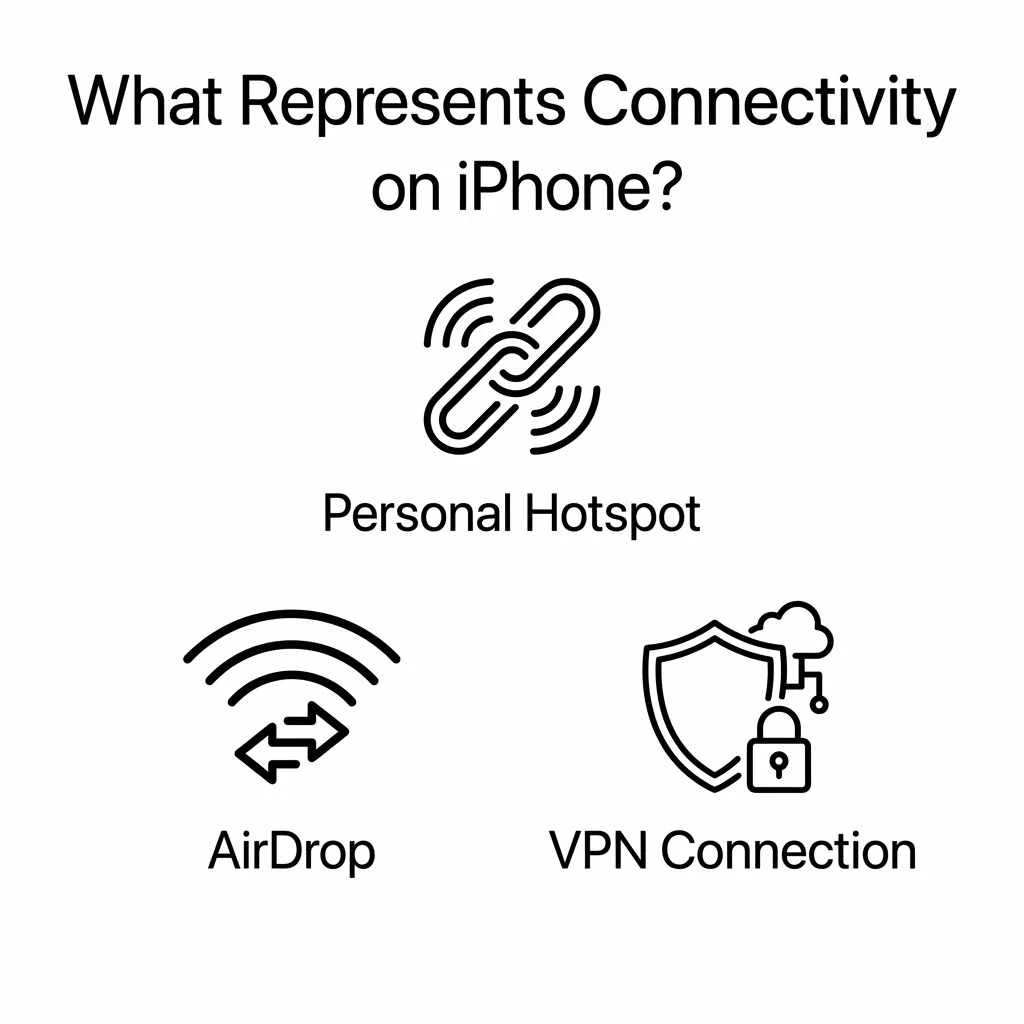
Several symbols focus specifically on connectivity.
Personal Hotspot Symbol
This icon indicates internet sharing.
It represents digital connection between multiple devices.
AirDrop Symbol
AirDrop uses a circular wave design.
The symbol represents wireless sharing and data transfer.
VPN Symbol
VPN icons indicate secure internet routing.
They symbolize privacy, protection, and secure communication.
Nature Inspired iPhone Symbols
Many Apple icons draw inspiration from nature.
Cloud Symbol
The cloud icon represents online storage.
Clouds traditionally symbolize the sky and limitless space.
In technology, they represent remote digital storage.
Weather Symbols
The Weather app includes:
- Sun icons
- Cloud icons
- Rain symbols
- Snowflake symbols
- Lightning symbols
These symbols connect users with natural environmental conditions.
Moon Symbol
The crescent moon is used for Do Not Disturb and sleep related functions.
Across cultures, the moon often symbolizes peace, rest, reflection, and calmness.
Ancient and Cultural Influences Behind iPhone Symbols
Although iPhone symbols seem modern, many have roots in ancient civilizations.
Arrows
Arrow symbols appear throughout iOS.
Historically, arrows represented:
- Direction
- Movement
- Progress
- Purpose
Ancient cultures used arrows for navigation and communication.
Circles
Many Apple icons incorporate circular designs.
Circles symbolize:
- Unity
- Completion
- Continuity
- Harmony
These meanings appear in cultures across Europe, Asia, Africa, and the Americas.
Check Marks
Check marks indicate completion or success.
They have become global symbols of achievement and verification.
Spiritual Meaning of Common iPhone Symbols
While Apple designs symbols for practical use, many people associate deeper meanings with certain icons.
The Lock
Spiritually, locks can represent:
- Protection
- Boundaries
- Safety
- Personal space
The Cloud
Clouds often symbolize:
- Possibility
- Imagination
- Higher awareness
- Infinite potential
The Moon
The moon frequently represents:
- Inner peace
- Reflection
- Rest
- Emotional balance
The Compass
The Compass app symbol often represents:
- Guidance
- Purpose
- Direction in life
- Decision making
iPhone Symbols in Popular Culture
Technology icons have become part of modern culture.
Many symbols now appear in:
- Movies
- Advertisements
- Fashion designs
- Artwork
- Social media content
The battery icon, WiFi symbol, and notification badges have become globally recognized visual elements.
iPhone Symbols in Everyday Life
Most people interact with dozens of iPhone symbols daily.
Examples include:
| Symbol | Everyday Purpose |
| Battery | Power management |
| WiFi | Internet connection |
| Bluetooth | Device pairing |
| Camera | Photography |
| Messages | Communication |
| Maps | Navigation |
| Clock | Time management |
| Calendar | Scheduling |
These symbols simplify complex technology into understandable visual signals.
Universal iPhone Symbols Recognized Worldwide
Some symbols are understood almost everywhere.
Top Universal Symbols
- Battery Icon
- WiFi Symbol
- Bluetooth Logo
- Camera Icon
- Phone Receiver
- Message Bubble
- Lock Symbol
- Search Magnifying Glass
- Settings Gear
- Power Symbol
Their universal recognition comes from repeated global exposure and consistent design.
Tattoo Ideas Inspired by iPhone Symbols
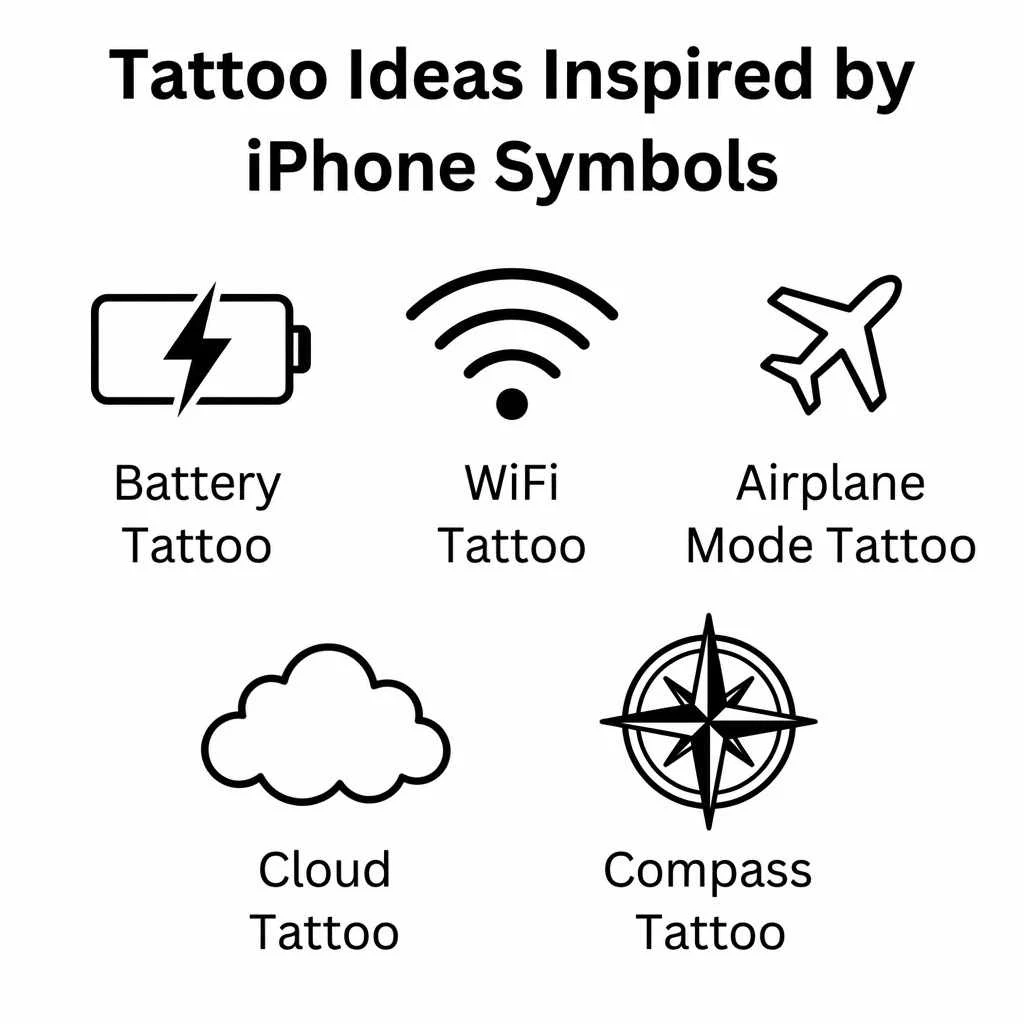
Many technology enthusiasts choose minimalist tattoos based on iconic iPhone symbols.
Battery Tattoo
Represents:
- Energy
- Motivation
- Personal strength
WiFi Tattoo
Represents:
- Connection
- Relationships
- Communication
Airplane Mode Tattoo
Represents:
- Peace
- Travel
- Escaping stress
Cloud Tattoo
Represents:
- Creativity
- Freedom
- Imagination
Compass Tattoo
Represents:
- Life direction
- Personal growth
- Finding purpose
Minimalist symbol tattoos remain popular because they carry both personal and modern meanings.
How To Create or Draw an iPhone Style Symbol
Creating an iPhone inspired symbol involves simplicity and clarity.
Step 1: Choose a Meaning
Decide what the symbol should represent.
Examples:
- Security
- Communication
- Travel
- Creativity
- Productivity
Step 2: Use Simple Shapes
Apple icons often use:
- Circles
- Squares
- Lines
- Curves
Avoid excessive detail.
Step 3: Focus on Instant Recognition
The best symbols communicate meaning in seconds.
Ask yourself:
“Can someone understand this symbol immediately?”
Step 4: Test Different Sizes
A good icon should remain recognizable when very small.
Step 5: Maintain Visual Balance
Balanced spacing and clean lines improve readability and aesthetics.
Why Apple Symbols Are So Effective
Apple follows several important design principles.
Consistency
Symbols maintain a familiar visual style.
Simplicity
Users can understand icons quickly.
Accessibility
Icons help people across languages and cultures.
Emotional Comfort
Familiar symbols reduce stress and make technology easier to use.
This combination explains why Apple’s icon system is admired throughout the design world.
Frequently Asked Questions
What do the symbols at the top of my iPhone mean?
The top status bar symbols show information about battery level, network connection, WiFi status, location services, privacy indicators, Bluetooth activity, and device settings.
Why is there an orange dot on my iPhone?
The orange dot indicates that an application is currently using your microphone.
What does the green dot mean on iPhone?
The green dot appears when an app is using your camera, or both the camera and microphone.
What is the meaning of the Bluetooth symbol?
The Bluetooth logo originates from ancient Nordic runes linked to King Harald Bluetooth and represents wireless communication between devices.
What is the most recognized iPhone symbol?
The battery icon is one of the most recognized iPhone symbols because every user interacts with it daily.
Conclusion
iPhone symbols are much more than simple icons on a screen. They form a powerful visual language that helps users communicate with technology quickly and efficiently. From battery indicators and WiFi signals to privacy alerts and navigation tools, each symbol carries a practical purpose and often a deeper cultural meaning.
Understanding these symbols can improve your iPhone experience, increase digital awareness, and help you unlock features that might otherwise go unnoticed. The next time you glance at your screen, you’ll see more than icons, you’ll see a carefully designed system of modern symbols shaping everyday life.

Ryan Scott is a dedicated writer and symbol researcher who uncovers the deeper meanings behind everyday signs and symbols. His work focuses on making complex symbolic concepts simple, engaging, and easy to understand for readers from all backgrounds.
He is the author of Hidden Symbol Codes and Secrets Behind Ancient Symbols, where he explores the origins and meanings of symbols across different cultures.
Ryan’s goal is to inspire curiosity and help readers see the world from a new perspective through the language of symbols.
 Sophia Bennett
 Andrew Clark